
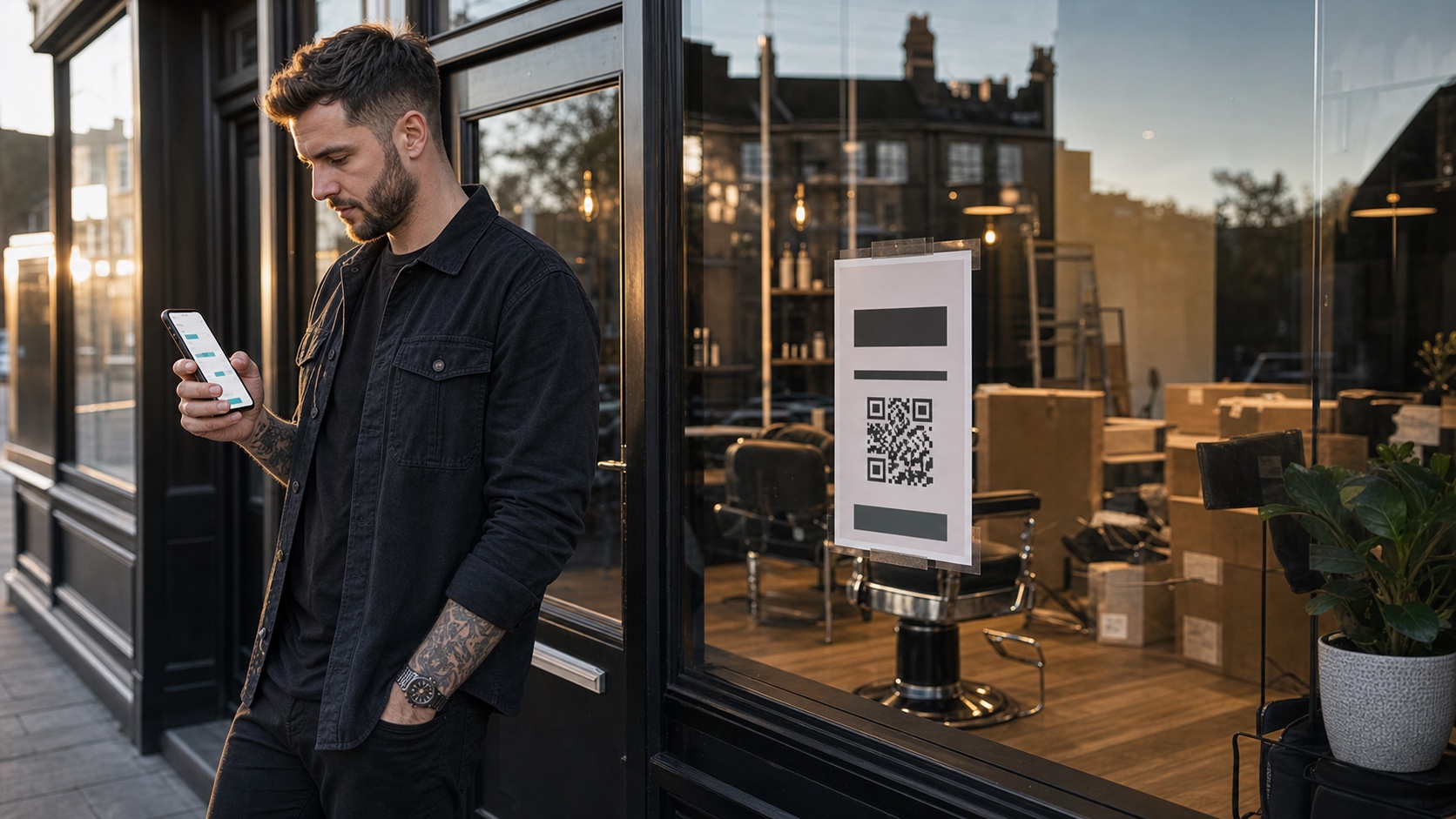
A new barbershop does not need to wait until opening day to start taking bookings.
In fact, waiting can make the launch harder. If people see the shop being built, follow the Instagram page, scan the window poster, or hear about the opening from a friend, they need somewhere to go while their interest is fresh. A booking link gives that attention somewhere useful to land.
Pre-opening bookings are not about pretending the shop is already established. They are about turning launch interest into actual appointments.
This guide explains how to set up online bookings before opening day without making the process messy. If you are still choosing software, start with the best booking system for a new barbershop.
Quick answer: how do you take bookings before opening?
To take bookings before opening, set up a simple booking page with your launch date, services, prices, opening hours, and available barbers. Then promote one booking link everywhere clients are already seeing the shop.
The basic sequence is:
- decide the opening date
- choose the first services you will offer
- set realistic durations
- add staff or chair availability
- decide whether deposits are needed
- publish the booking link
- promote it through your launch channels
Keep the first version simple. A launch booking page should make people confident enough to book, not overwhelm them with every detail.
Pre-opening booking checklist
Set these up before you promote the link:
| Launch item | What to decide | Good default |
|---|---|---|
| Opening date | First day clients can book | Make it visible everywhere |
| Service menu | First services available | Keep it short and clear |
| Availability | Which chairs can be booked | Leave buffer time in week one |
| Deposits | Whether launch slots need commitment | Use clear, fair wording |
| Booking link | The one URL you will promote | Use the same link everywhere |
| Follow-up | What happens after the first visit | Send clients back to the same booking route |
The best pre-opening setup feels boring in a good way. The client sees the shop, understands the offer, picks a time, and gets confirmation.
1. Decide what can be booked
Before the booking page goes live, make the first service menu tight.
For launch week, most shops only need:
- haircut
- skin fade
- beard trim
- haircut and beard
- child haircut if you plan to offer it
You can add more later. The mistake is launching with too many service names that sound similar. Clients should not have to decode the menu before they trust you.
If you know some services need extra time while the team settles in, build that into the duration. A slightly slower launch week is better than a diary that runs late from the first morning.
2. Put the opening date everywhere
If clients are booking before the shop opens, the booking page needs to remove any doubt.
Make the opening date visible in:
- the website hero or launch section
- the booking page introduction
- Instagram bio or launch posts
- Google Business Profile updates where available
- window posters and QR codes
- confirmation messages
People should understand that they are booking for launch week or later.
Do not rely on clients noticing that the first available slot is after opening day. Say it clearly.
3. Decide whether to use deposits
Deposits can be useful for launch week because early slots are valuable. They reduce casual no-shows and help clients treat the appointment as confirmed.
But keep the policy fair and visible. If you take a deposit, clients should understand:
- how much they are paying
- whether it comes off the final service price
- what happens if they cancel in time
- what happens if they do not show
- how to contact you if there is a genuine issue
UK consumer guidance generally points toward terms being clear, fair, and available before the customer commits. Do not hide deposit wording in a social post that the client may never see. Put it in the booking flow.
For policy wording, use our barbershop cancellation policy template.
4. Create one link and use it everywhere
New shops often scatter attention.
One post says "DM to book." Another points to a temporary form. The window poster has a phone number. The website says "coming soon." The Instagram bio goes to a link page with five options.
That feels flexible, but it creates work.
Pick one booking link and make it the default route.
Use it on:
- your website
- Instagram bio
- Instagram "Book now" button if supported
- Google Business Profile booking links where available
- QR codes in the window
- flyers
- local Facebook posts
- launch messages to friends, clients, and nearby businesses
Every time someone asks "are you taking bookings yet?", send the same link.
5. Make the booking page feel like the shop
Pre-opening clients have less proof than regular clients. They may not have reviews yet. They may not have seen the finished shop. The booking page has to do more trust work.
It should show:
- shop name
- location
- launch date
- services and prices
- opening hours
- clear staff or chair options
- contact details
- deposit and cancellation rules if relevant
- confirmation that the booking has been received
This is also why your own branded booking page matters. When the booking route feels like the shop, clients remember the shop. When it feels like a generic platform profile, some of that brand memory is lost.
6. Keep launch week capacity sensible
Opening week is not the time to chase perfect utilisation.
Leave space for:
- setup issues
- walk-ins
- photos and social content
- suppliers
- staff settling into the system
- payment or deposit questions
- clients arriving early
If every slot is packed tightly, one delay can affect the whole day. Use online bookings to create structure, but keep the launch realistic.
7. Follow up after the first visit
The booking system should not stop at the appointment.
After launch-week visits, send clients back to your own booking route:
- confirmation emails
- reminder emails
- thank-you messages
- rebooking prompts
- review requests
That habit matters. The first booking gets someone through the door. The second booking is where the shop starts to become part of their routine.
For more on this, read how to get more direct bookings for your barbershop.
Where Trimlinea fits
Trimlinea works well for new shops because you can set up a branded booking flow before opening, then keep using the same system as the shop grows.
You can add services, staff, chairs, payments, reminders, and payouts in one place. The price is £15/month after the free trial, with unlimited shops and chairs included, so launch growth does not turn into a higher software subscription.
If you are preparing to open, find out more about Trimlinea, then use one booking page as the main launch link.
Final word
Pre-opening bookings give a new barbershop momentum before the first day.
The key is to keep it clear: one booking link, simple services, visible opening date, fair deposit rules, and a branded route clients can use again after launch.
Do that well and opening day starts with appointments, not just hope.
Sources and last checked
Last checked: 6 July 2026.
- Google Business Profile local business links
- Google Business Profile bookings setup
- Instagram action buttons
- GOV.UK unfair consumer contracts
- GOV.UK cancelling goods or services guidance
- Image: custom photographic hero showing pre-opening barbershop bookings.
Frequently asked questions.
Can a barbershop take bookings before it opens?
Yes. Once your opening date, services, prices, and working hours are clear, you can publish a booking link and start filling launch-week slots.
Should a new barbershop take deposits before opening?
Deposits can make sense for launch-week appointments or high-demand services, but the policy should be clear before the client books.
Where should a pre-opening booking link be promoted?
Use it on your website, Instagram bio, Google Business Profile where available, launch posters, QR codes, local posts, and direct messages to interested clients.
What should a pre-opening booking page include?
Show the opening date, shop location, launch services, prices, available staff or chairs, deposit rules, cancellation terms, and a clear confirmation flow.
Should the launch booking link change after opening?
No. The strongest setup is to use one booking link before opening and keep it as the normal booking route after launch.
More articles
Trimlinea gives your barbershop branded booking, staff calendars, payments, reminder emails, and payouts in one flat subscription.
Add every chair, every team member, and every shop without your software bill changing.
Find out more